Grocery list cost tracking is back in PantryAI
I restored cost tracking for grocery lists in PantryAI
You can see the cost of your grocery list again
Project journal
AI-powered app to import recipes, generate meals, and track food stock.
The record
I restored cost tracking for grocery lists in PantryAI
You can see the cost of your grocery list again
Update from the App Store
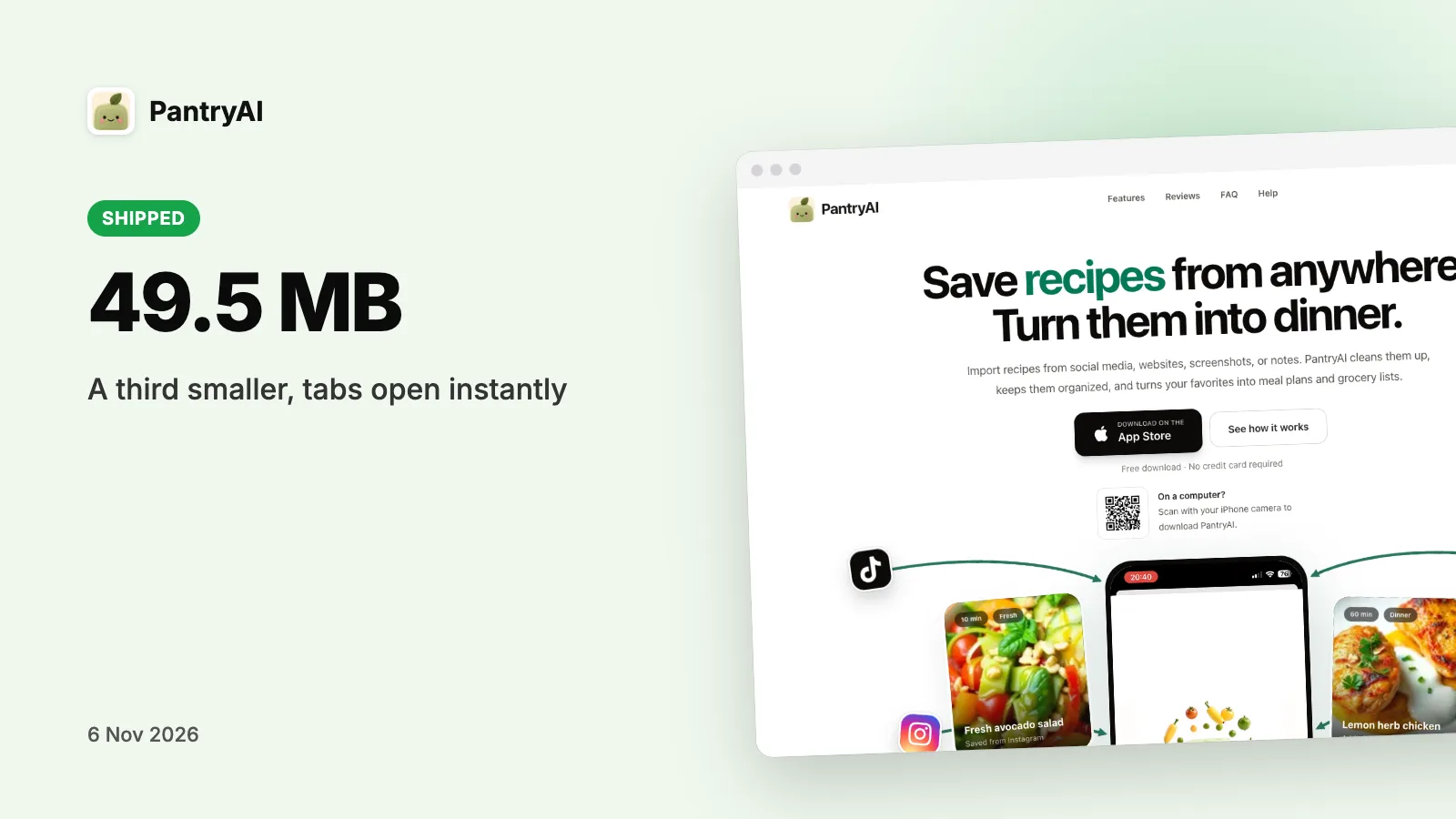
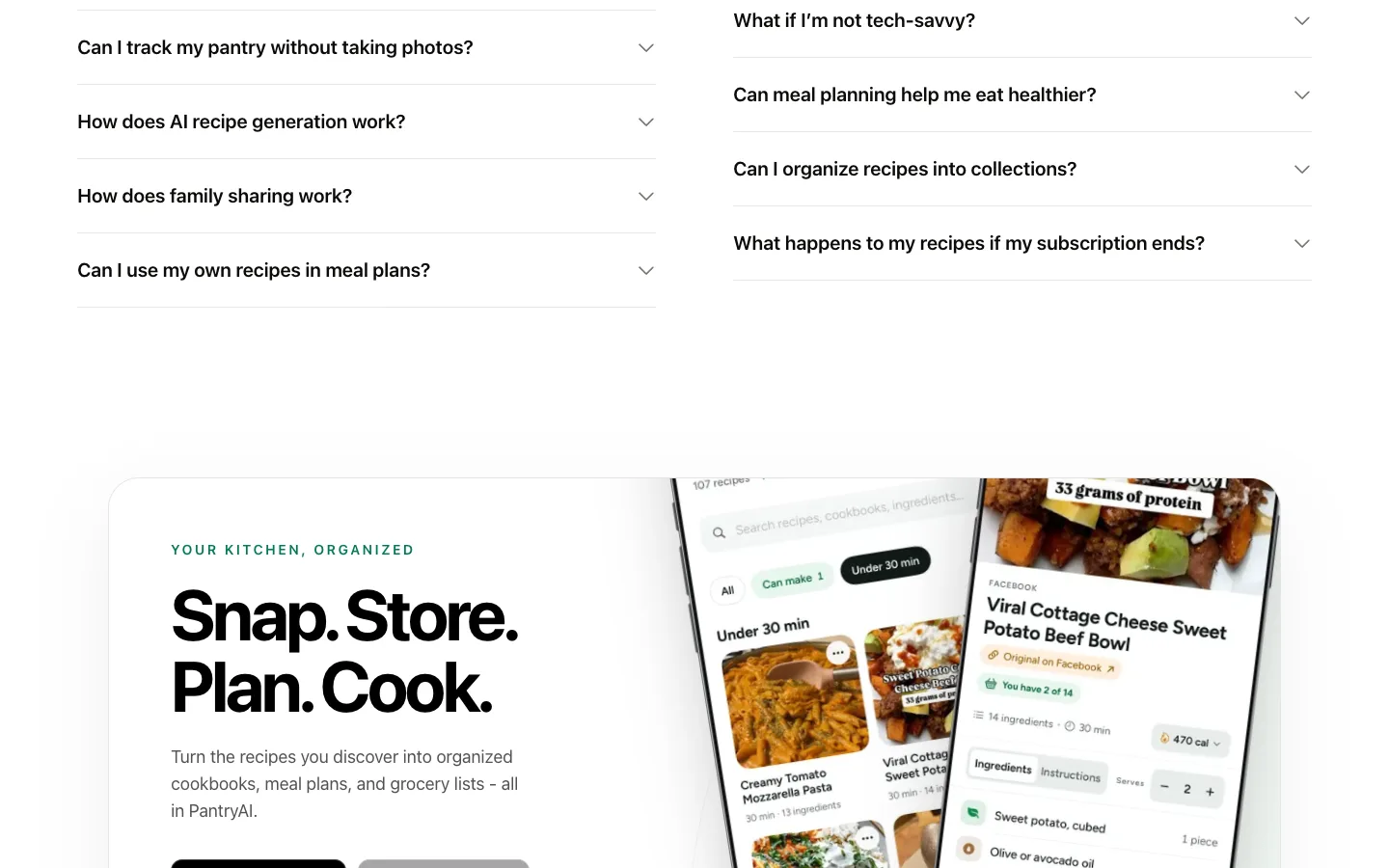
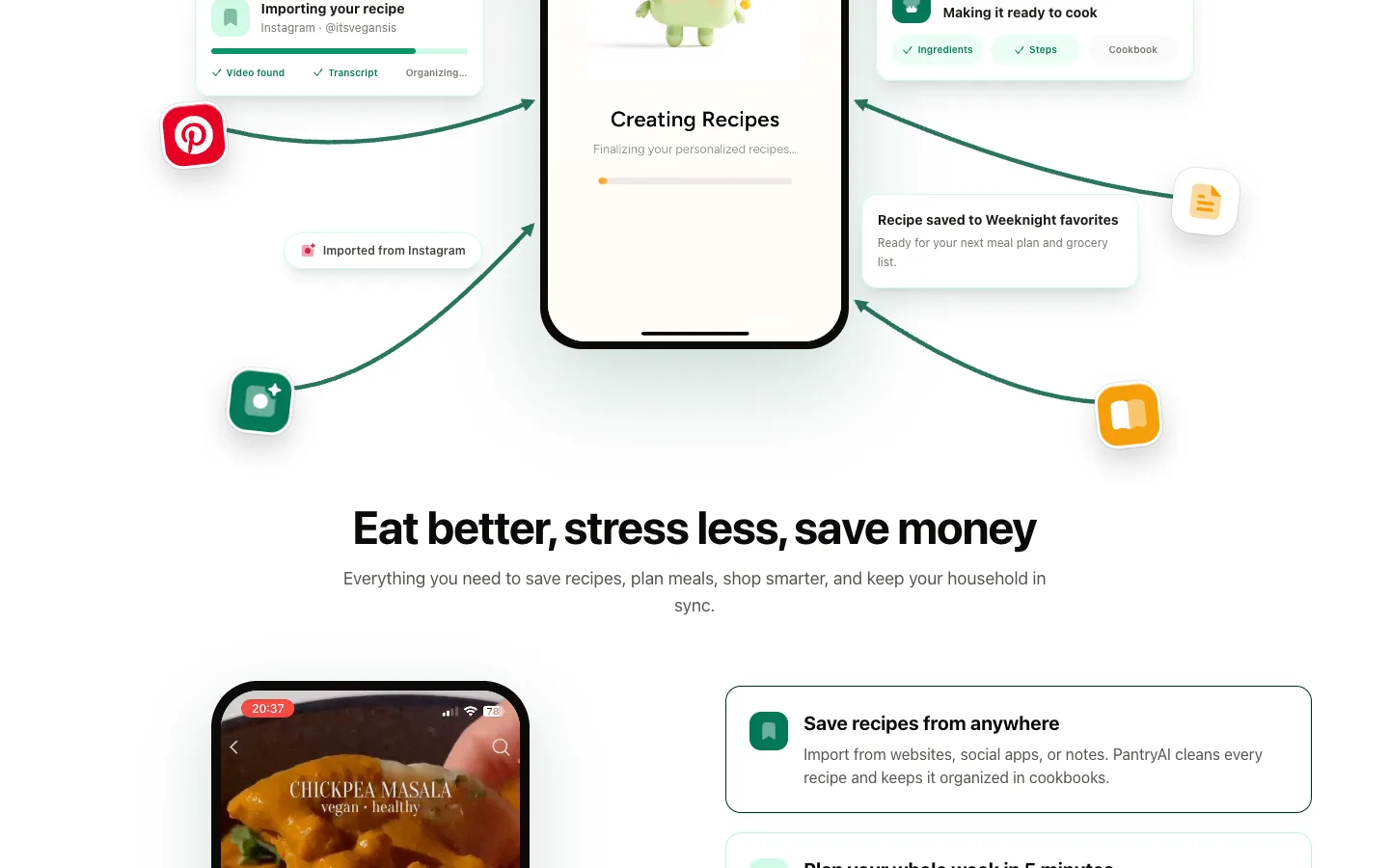
Calmer colours, a mascot, and every tab rethought:
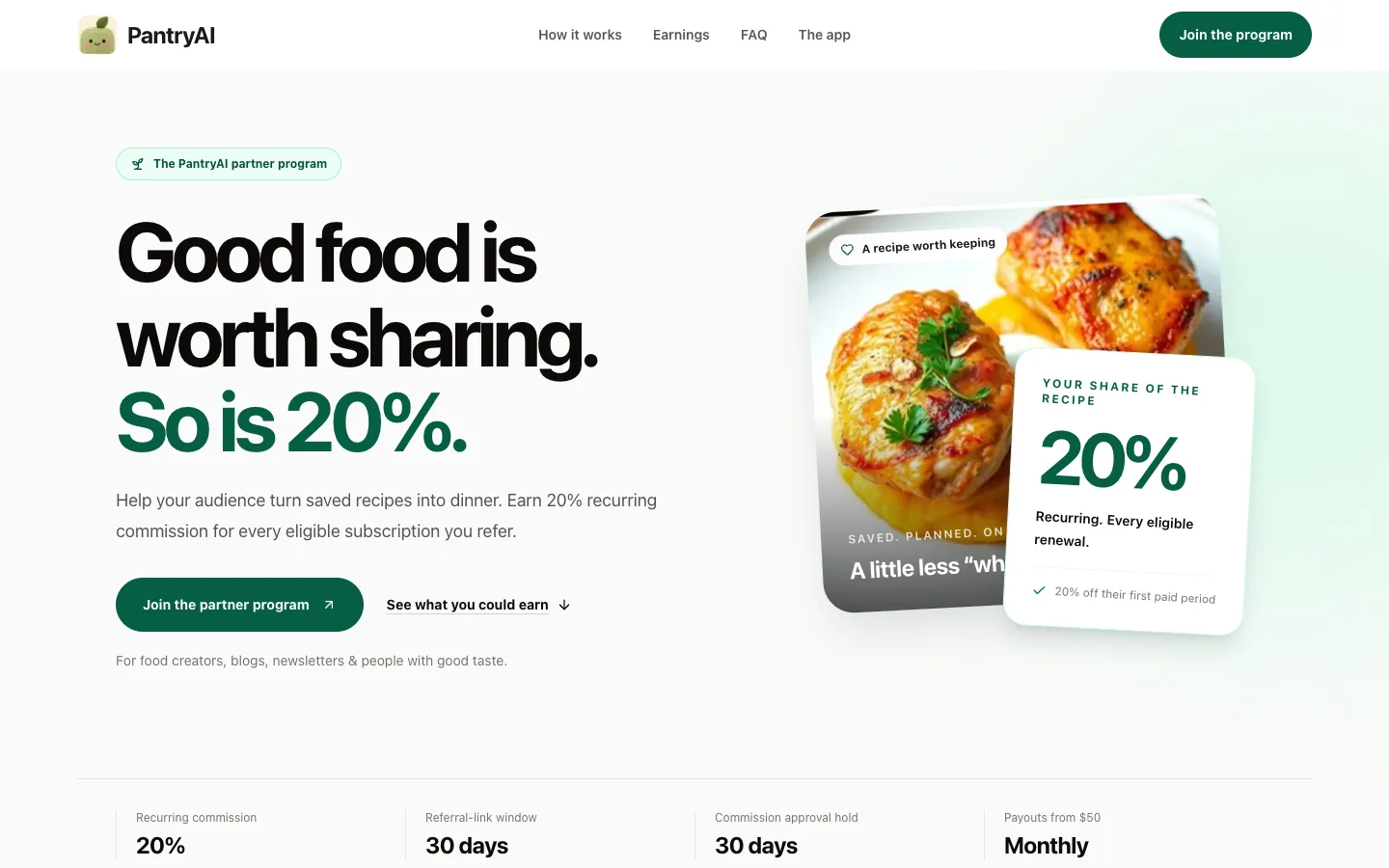
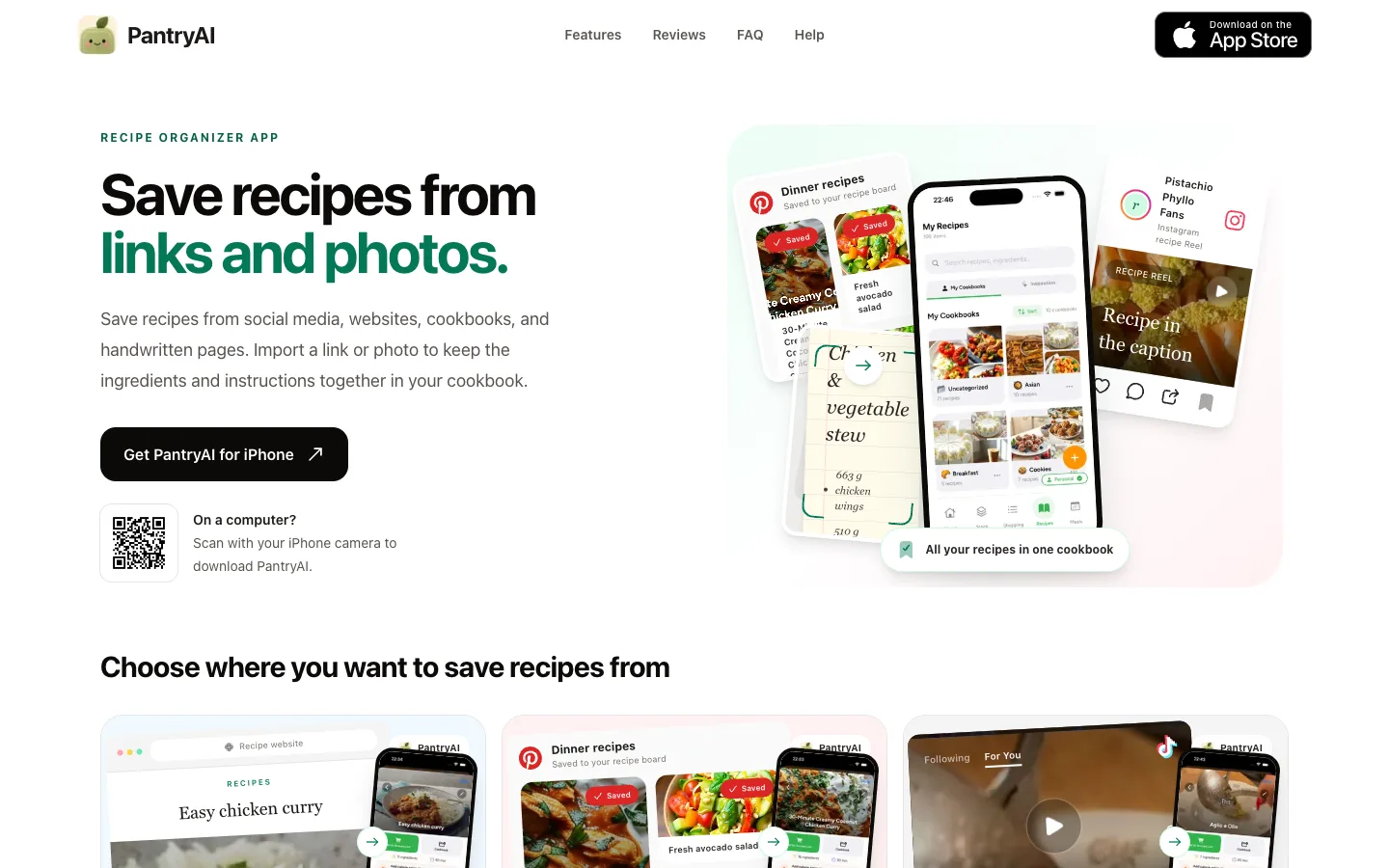
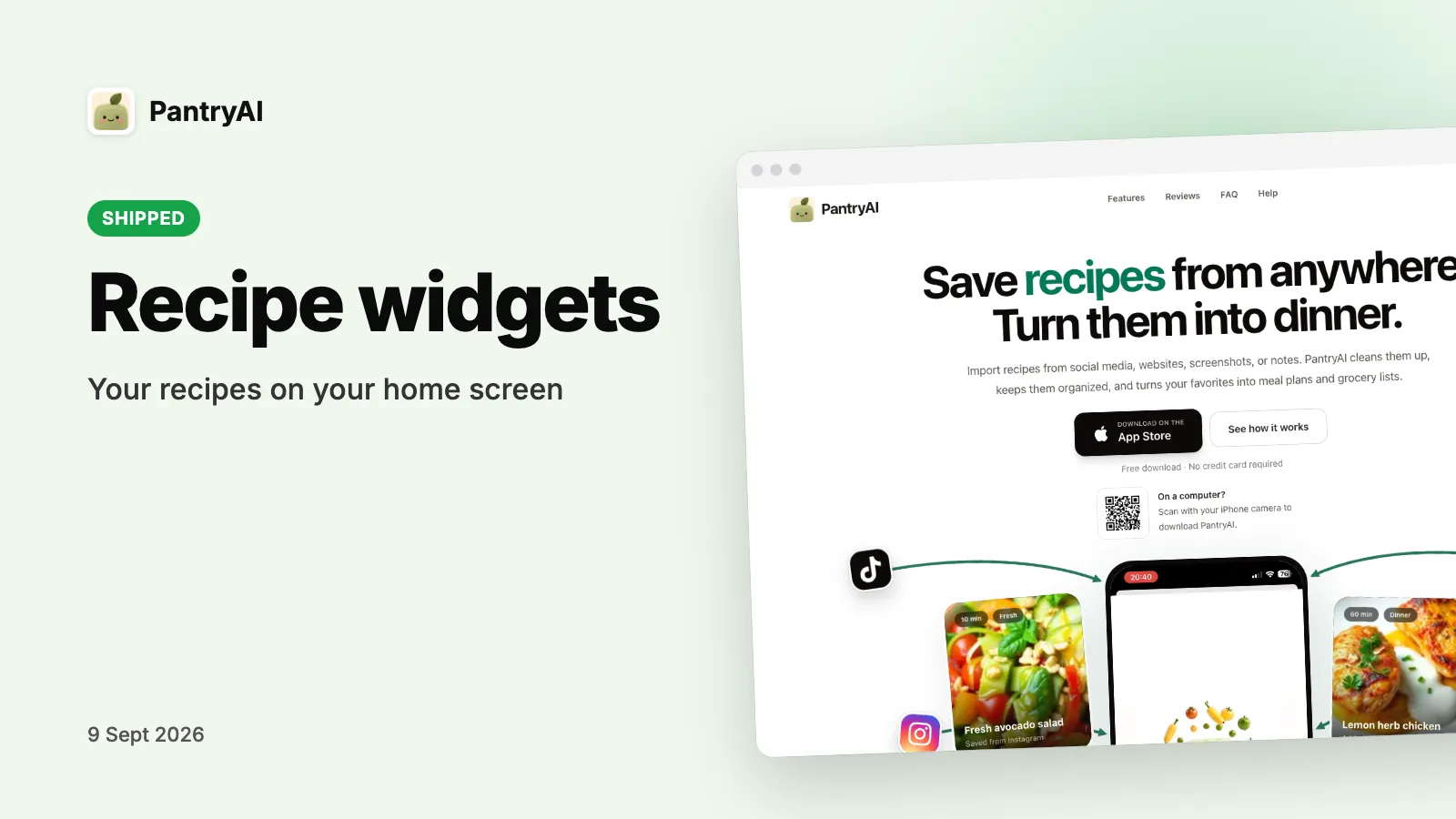
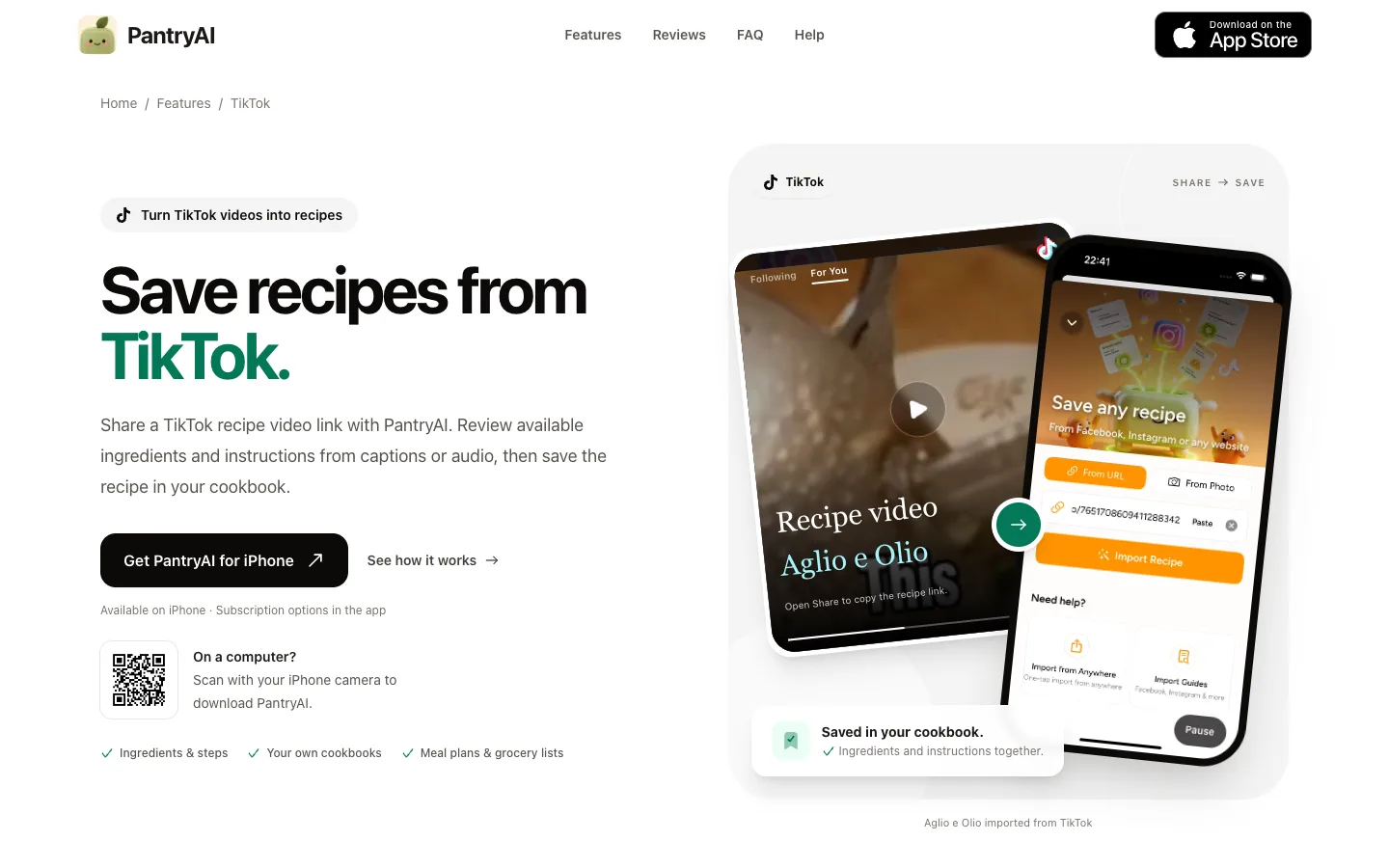
Plus a brand new website
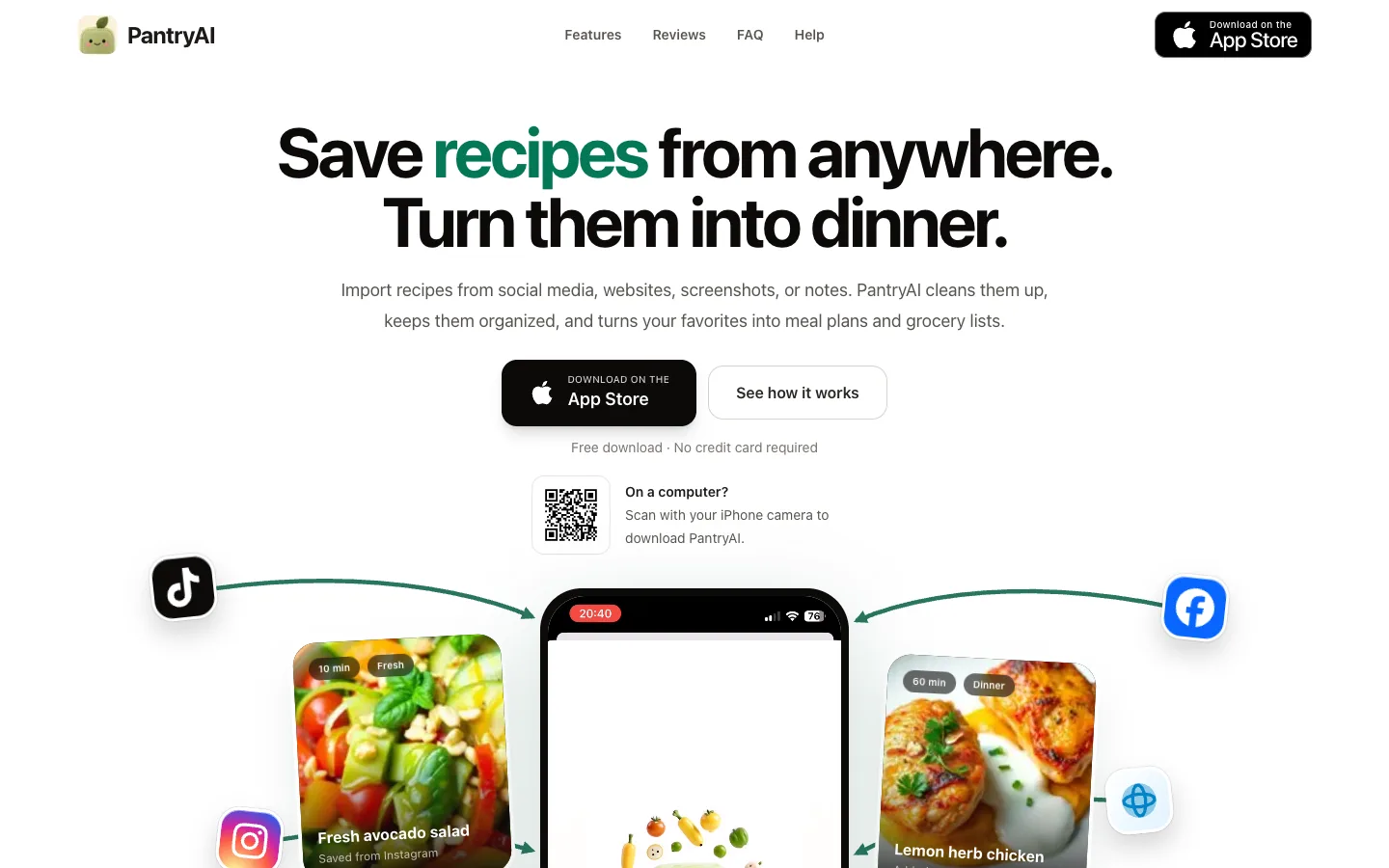
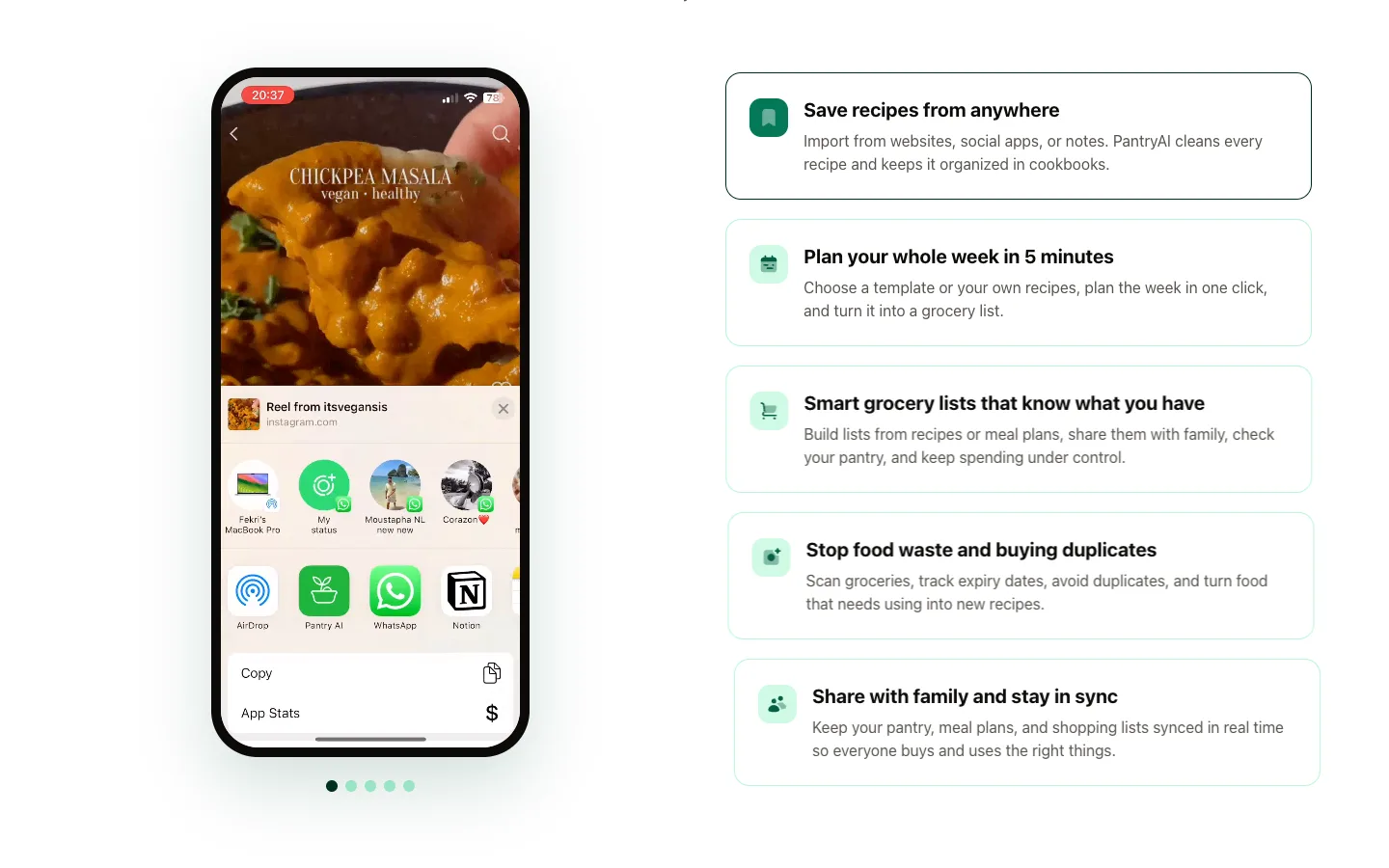
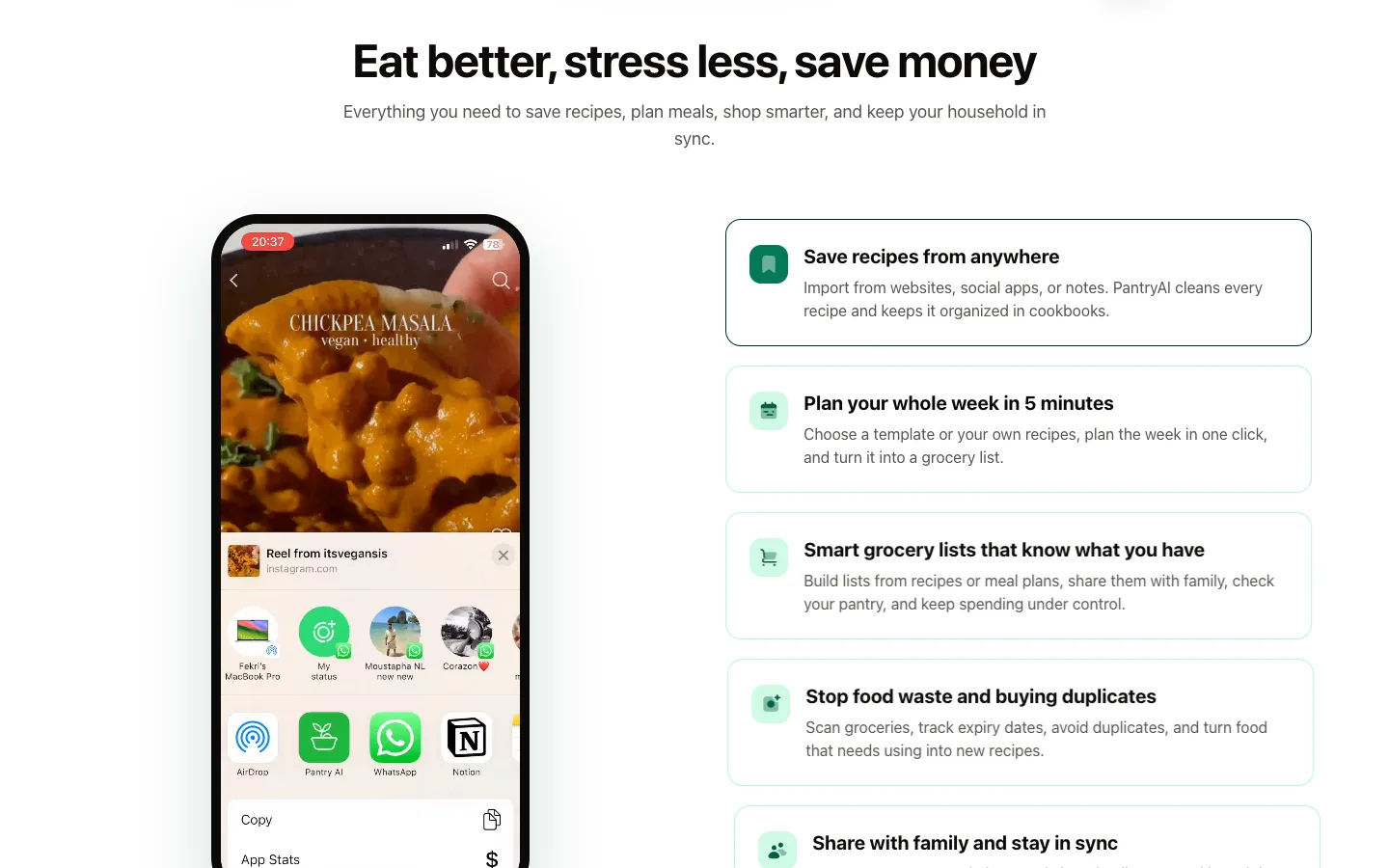
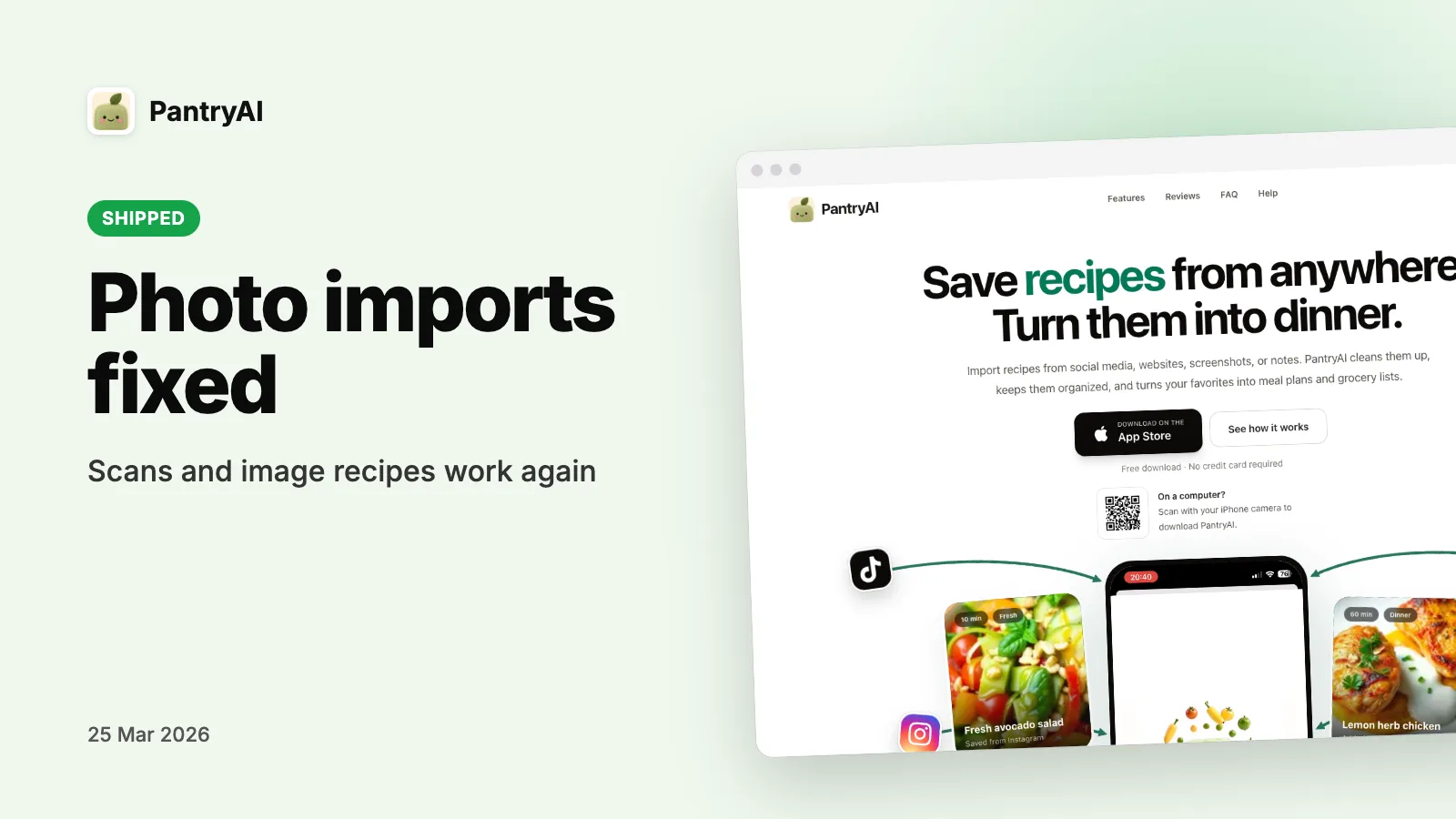
Some photos were failing on the way to the AI. Fixed:
Live now
I added the DataFast analytics script directly into the root layout of the landing page. This will help us track user interactions more efficiently and gain better insights into how visitors engage with PantryAI.
Maintained Existing Analytics SetupThe existing PostHog page view tracking remains in place, running within a Suspense boundary to ensure smooth loading. This way, we keep our previous analytics intact while expanding our data collection capabilities.
Other improvementsI redesigned the top section of the recipes page to give it a more modern and visually appealing look. Instead of a flat green background, I added layered blurred circles with different colors and opacities to create depth and softness behind the heading and description.
Added Chef Hat Icon for Visual FlairI introduced a chef hat icon from the lucide-react icon set next to the page title. This small detail helps reinforce the culinary theme and adds a friendly touch to the header.
Improved Typography and LayoutThe heading and paragraph text now have adjusted sizes and spacing for better readability and balance on both mobile and desktop screens. The content is also centered more effectively within the container.
Other improvementsI changed the background color of the recipes page header to a vibrant green (#1DBA54) and adjusted the text color to white for better contrast and readability. This makes the section more visually engaging and aligns with our brand colors.
Footer Layout AdjustmentThe footer now spans the full width of the screen to create a more consistent and balanced look across different device sizes. This small tweak improves the overall page structure without affecting functionality.
Other improvementsI updated the landing page with new decorative green blob backgrounds to give it a softer, more organic feel. The layout was improved by adding a marquee component for smooth scrolling effects and reorganizing sections like testimonials, FAQ, and the footer for better clarity and engagement.
New Reviews Page and Masonry Grid for User FeedbackTo showcase user feedback more prominently, I built a dedicated Reviews page featuring a masonry grid layout. This grid displays real App Store reviews with star ratings and country flags, making it easier for visitors to see authentic user experiences at a glance.
IndexNow Integration for Faster Search Engine IndexingI added a full IndexNow integration to automatically submit all site URLs, including dynamic recipe pages, to search engines. This should help PantryAI’s content get indexed and updated faster, improving visibility without manual effort.
Updated Testimonials with Improved Styling and New ReviewsThe testimonial section got a facelift with a lighter card design and hover effects for better readability. I also added several new user reviews from different countries to reflect the growing community and positive feedback.
Other improvementsI introduced a new feature that lets each recipe display a curated list of related recipes. Instead of relying solely on tag overlap, we now use a dedicated database column to store related recipe slugs, allowing for more meaningful and handpicked recommendations.
Database migration and updates for related recipesTo support the related recipes feature, I added a new column to the recipes table and populated it with related recipe slugs for all existing recipes. This makes it easier to manage and update related content directly in the database.
Footer update with Tumblr linkAdded a Tumblr link to the footer to expand PantryAI's social presence and provide another channel for users to discover our content.
Other improvementsI replaced the old recipe filters and list with a new RecipeGrid component that combines filtering, searching, and pagination into a single interface. This new grid supports filtering by calories, time, cuisine, and search terms directly in the URL, making it easier to share and bookmark filtered views.
Added a print button on recipe pages along with comprehensive print-specific styles. Now you can print recipes cleanly without UI clutter, preserving images and formatting for easy offline use or sharing.
Enhanced Recipe DetailsExpanded the recipe data model to include nutritional info (protein, carbs, fat), servings, difficulty, and category, allowing for richer recipe details. Also added new icons and UI elements to display these attributes clearly.
Added App Store Reviews to TestimonialsIncluded real App Store review quotes in the dark theme testimonials section to showcase user feedback directly on the landing page.
Other improvements