

✅ Added visible Pricing button on mobile screen navbar
The portfolio
Work in public, with the receipts.
Selected work
A few things worth opening.
Shipping journal
Notes from the build.
20 entries
✅ Fixed Upload popup with hidden button for large window having small height
✅ Improved Play Trim/Reset Trim on upload video modal
✅ Moved "Replace Word" & "Remove Punctuation" buttons under a new "Quick Actions" menu
✅ New "Fix separated punctuation" feature
✅ Improved Pricing page UI with more features displayed
✅ New Replace Word and Remove Punctuation features
✅ Improved and updated all the landing pages
✅ Added new AI Voiceover landing pages
✅ Improved Pricing page UI
✅ New monthly credit-based system (so you can now really spend based on your needs!)
💡 This is a necessary step for a more practical usage for the near-future AI Video generation systems
✅ Improxed videos list UX on mobile
✅ Added Upgrade button on navbar on Free tier
✅ Added CTA UI on Upload navbar button
✅ Improved credits button UI on navbar
✅ Improved Navbar menu on mobile and small screens
✅ Added Icon on Get Started navbar button
✅ Improved Login & Register pages with show/hide password buttons and real time password validation
✅ Improved captions Y position and fontSize by % from video width for better compatibility with any video dimension
✅ Improved and simplified the Caption Video Editor UX
✅ Added Tooltips over "Preview Quality" and "Show Social Safe Zone" buttons
✅ Renamed emoji 'HC' theme to 'Outlined Shape'
✅ Added vertical captions settings near the video player for better portrait mode UX
✅ Added position/zoom/rotation settings to B-Rolls
✅ Better B-Roll compatibility for any video ratio
✅ Improved Pexels video preview and selection
✅ Improved UX/UI on AI Voice selection step
✅ Added language suggestions on AI Voiceover mode
✅ Added Select public Pexel Videos for Generate AI Voiceover mode
✅ Improved original streaming video compatibility to interact and load much faster on the caption editor and during rendering
✅ New Creator Plan for 100 videos/month!
✅ Improved default words grouping system
🔥 Video Color Updates! 👇
✅ Automatic color optimization:
All newly uploaded videos are now automatically converted to Rec.709 (bt709 SDR) for perfect color consistency across all browsers and platforms.
✅ New “Filters” panel:
Easily fine-tune contrast, hue, saturation, brightness, and more, even after the bt709 conversion, so your videos look exactly how you want before rendering!
🔥 Powerful updates from the last 3 weeks:
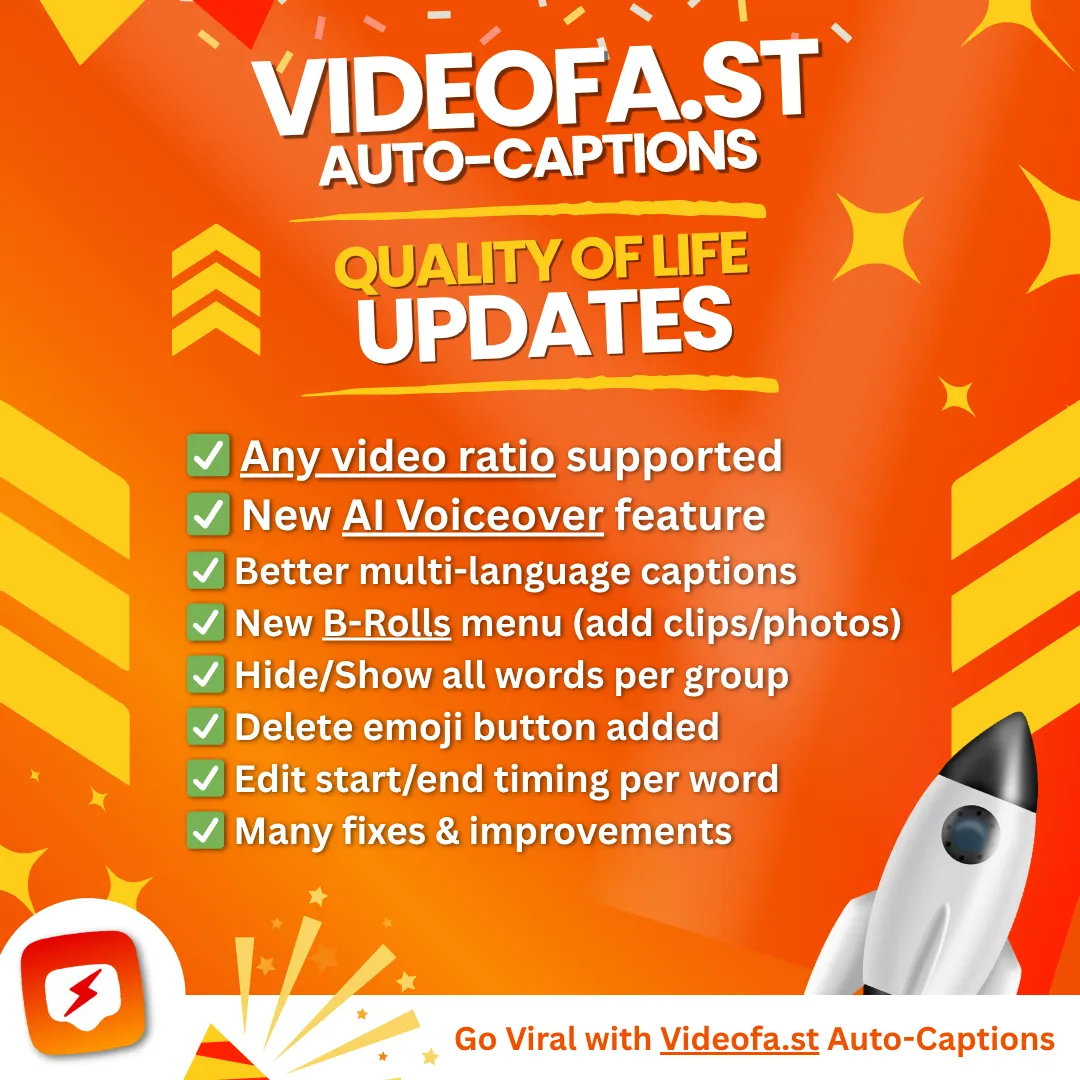
✅ Any video size supported
✅ New AI Voiceover feature
✅ Better multi-language captions
✅ New B-Rolls menu (add clips/photos)
✅ Hide/Show all words per group
✅ Delete emoji button added
✅ Edit start/end timing per word
✅ Many fixes & improvements
✅ Improved UX on the video summary list
✅ Added thumbnails
✅ Added pagination
✅ Improved sub-tabs UX with hover background color
✅ Added save icon on the Save Current Style button
✅ Improved Audio Tab UI
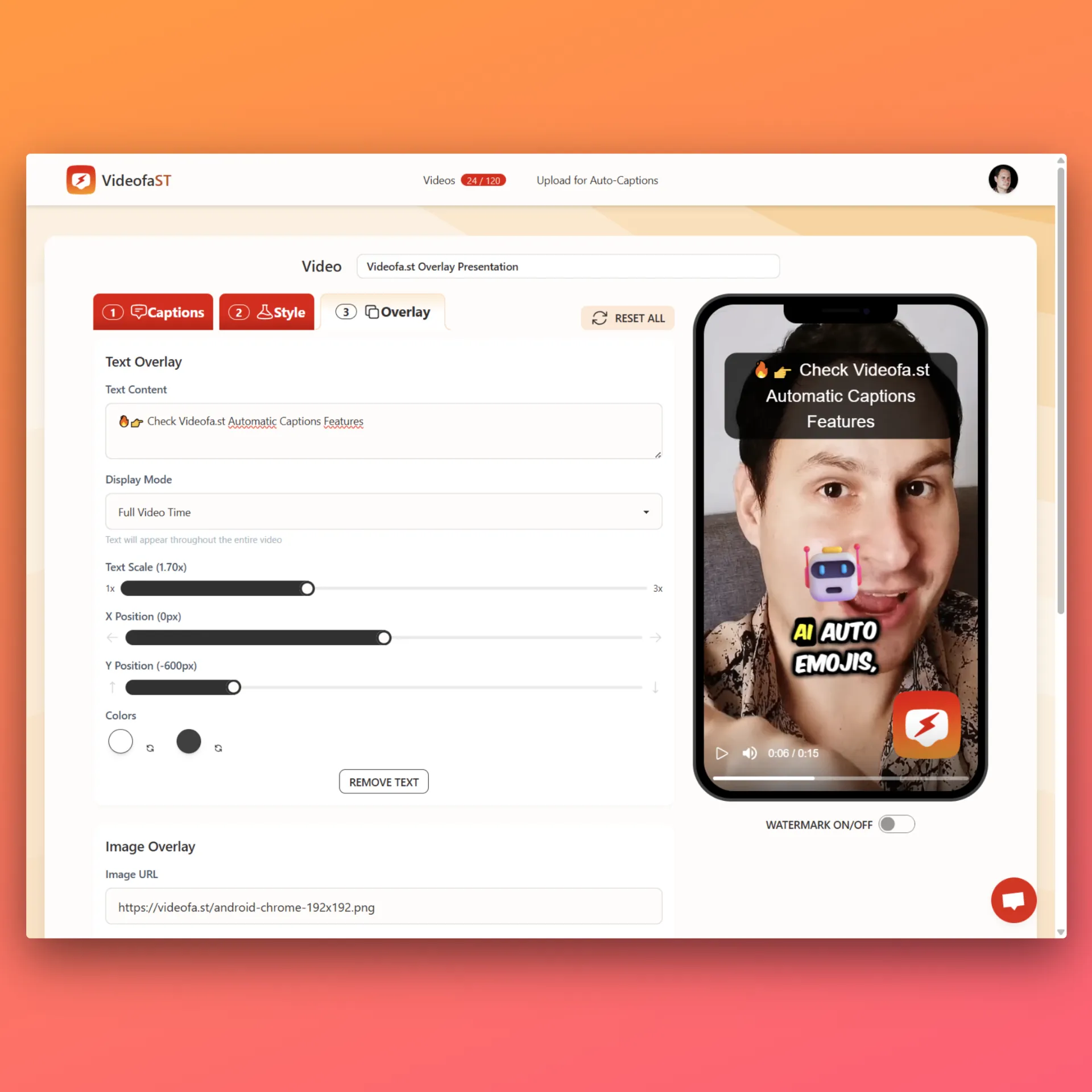
✅ Added Intro/Outro mode on Overlay Tab
✅ Re-select current audio selection on Audio Tab
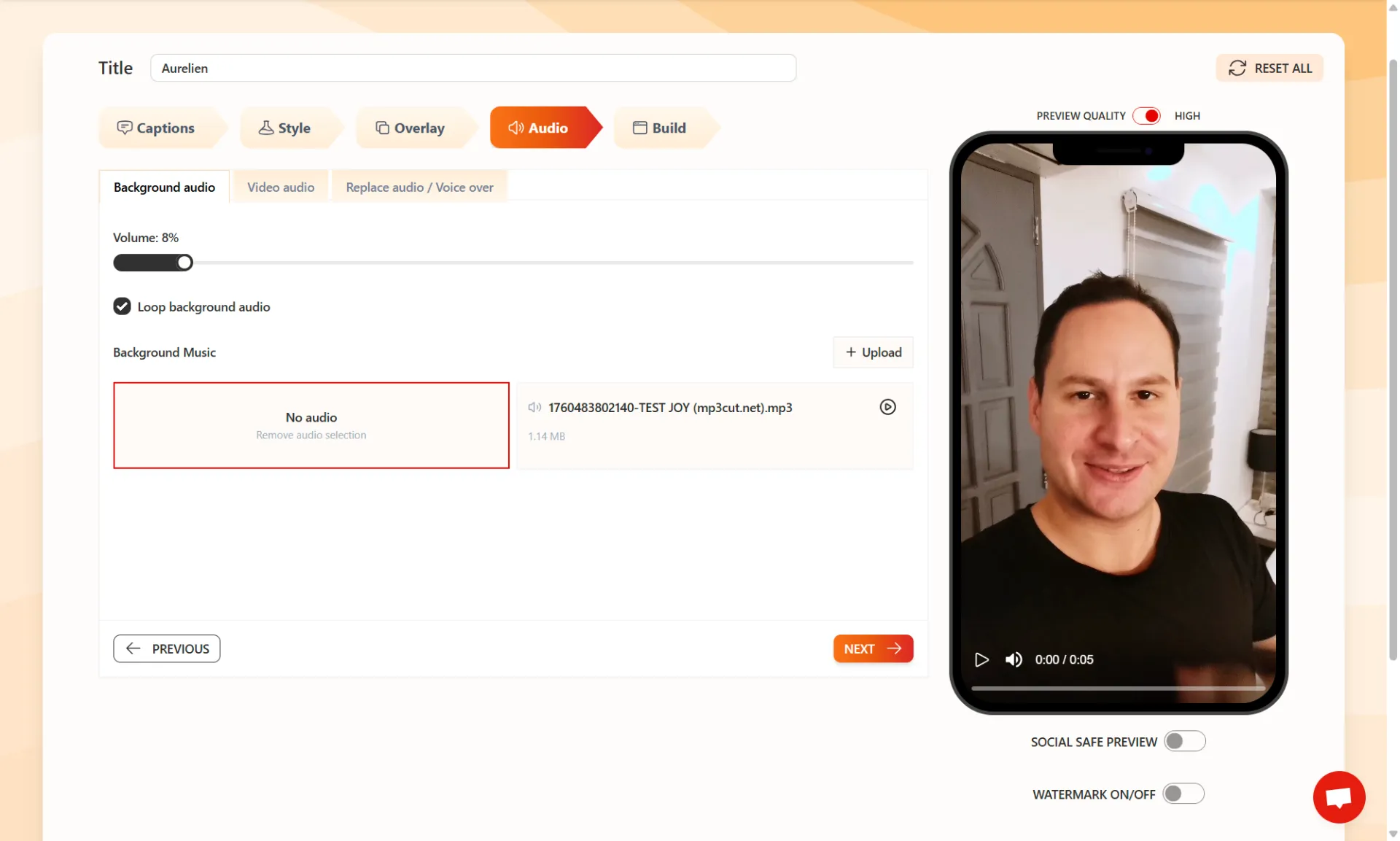
What if you could control every sound in your video, down to the tiniest detail?
We just added a full "Audio" tab inside Videofa.st – and it’s a total game changer.
You can now:
✅ Adjust the volume of each audio layer separately
✅ Add your own custom background music
✅ Upload a custom voice, sound or audio overlay
✅ Mute the original video audio entirely
✅ Reuse any uploaded audio file in future videos (no need to reupload!)
All your audio files are saved in your assets, ready whenever you need them!
We have just released some great updates on Videofa.st to make your editing easier and faster:
✅ New Emoji System
You can now add an emoji to each word unit group to help you editing more easily
✅ Auto Scroll and Auto Highlight
The Captions Editor now scrolls by itself and highlights the word currently playing. Very useful for long videos.
✅ Social Safe Preview
See an overlay that shows which parts of your video are safe zones for social media. This helps keep important content visible and not covered by platform buttons or text.
✅ Edit Video Name with Auto Save
You can now change your video’s name and it saves automatically.
🐞 Bug Fixes:
✅ Very long video transcriptions will now be correctly shortened based on your chosen settings.
✅ Fixed a problem where choosing the same language for both original and translated versions was still giving English.
These improvements are already live. You do not need to do anything.
Just open Videofa.st and enjoy NOW!
If you need help, you can contact us anytime on the platform or by email at [email protected]!
VideofaST Overlay Update – New Features!
✅ Add Text Overlay. Set timing, position, scale.
✅ Customize color + background
✅ Add Image URL Overlay (Upload coming soon)
✅ Control size, timing, and position
✅ Combine text + image
✅ Custom in/out timing
✅ Instant preview